
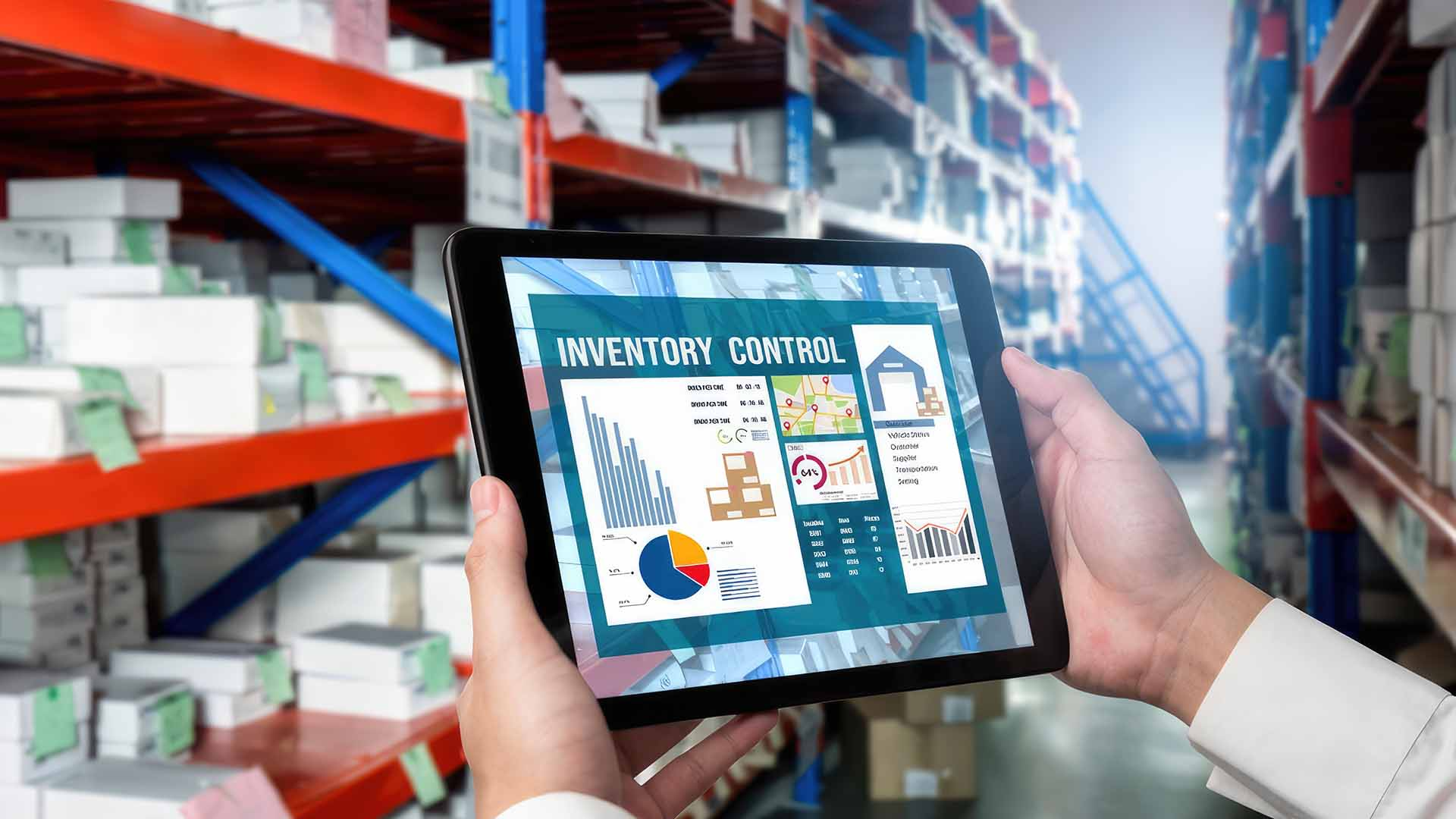
Keeping track of inventory becomes increasingly difficult as a business grows. Spreadsheets and manual records may work for a small operation, but they can become time consuming and harder to maintain as stock levels and product movements increase. An Inventory Tracking App can bring key stock information together, helping businesses monitor inventory and manage everyday processes more efficiently.
1. Real Time Stock Visibility
One of the biggest advantages of an inventory app is having stock information available when you need it.
Instead of checking different spreadsheets or asking staff for updates, your team can view current inventory information through a central system. This can make it easier to identify what is available and where attention may be needed.
2. Barcode Scanning
Manual product entry can take time and create opportunities for mistakes. Barcode scanning allows staff to identify products quickly using a compatible mobile device or scanner.
This can simplify processes such as receiving stock, updating quantities, checking products, and completing stock counts.
For businesses handling a large number of items, faster identification can make everyday inventory tasks more manageable.
3. Low Stock Alerts
Running out of an important product can disrupt sales and operations.
An inventory tracking system with low stock notifications can alert users when quantities reach a predefined level. This gives businesses an opportunity to review stock and reorder before supplies become critically low.
The alert thresholds can be adjusted according to the requirements of different products.
4. Inventory Movement Tracking
Knowing how much stock you have is useful, but understanding where it goes can be even more valuable.
An effective app can help record inventory movements such as:
- Stock received
- Products sold
- Items transferred
- Returns
- Adjustments
- Damaged goods
Having this information recorded can make it easier to understand changes in stock levels and identify discrepancies.
5. Multi Location Management
Businesses operating across multiple warehouses, shops, offices, or storage areas may find inventory management particularly challenging.
A suitable app can provide a central view of stock across different locations, making it easier to determine where products are stored and whether stock needs to be transferred.
This can help reduce unnecessary searching and improve coordination between locations.
6. Reporting And Inventory Insights
Good inventory management involves more than knowing the current quantity of each product.
Reporting features can help businesses identify patterns in stock movement, product demand, slow moving items, and other useful information.
These insights can support purchasing decisions and help businesses understand which products require closer attention.
7. Mobile Access
Inventory work does not always happen behind a desk. Staff may need to check or update stock while working in a warehouse, shop floor, delivery area, or storage facility.
Mobile access allows inventory information to be available where the work is happening.
This can reduce the need to return to a computer simply to update a stock record.
What Else Should You Look For?
The right features depend on your business and inventory workflow. Before choosing an app, consider how your team currently receives, stores, counts, sells, and moves products.
You may also want to check:
- Ease of use
- User permissions
- Integration with existing systems
- Data security
- Cloud access
- Customer support
- Scalability
- Pricing
An app with dozens of features is not necessarily the best choice if your team rarely uses them.
Can An Inventory App Replace Manual Processes?
An inventory app can reduce many repetitive tasks, but successful stock management still depends on accurate processes and consistent staff practices.
Products need to be correctly entered, scanned, received, moved, and recorded. The software can make these activities easier to manage, but it cannot eliminate the need for proper procedures.
Choose Around Your Actual Workflow
Before investing in an inventory solution, identify the biggest problems in your current process.
Are stock counts taking too long? Are products frequently misplaced? Do staff struggle to know current quantities? Are spreadsheets becoming difficult to manage?
The answers can help you determine which features should be a priority.
Conclusion
An Inventory Tracking App can simplify stock management by bringing important information and everyday inventory tasks into one accessible system. Features such as real time visibility, barcode scanning, low stock alerts, movement tracking, multi location management, reporting, and mobile access can help businesses manage inventory more efficiently. Rather than choosing an app based on the longest feature list, focus on the tools that solve your team’s actual stock management challenges.