A website can look polished and still struggle to appear in search results. Slow pages, missing titles, broken links and thin content often go unnoticed until traffic starts falling. An SEO score checker helps owners and marketers spot such problems early, by turning a website’s search health into a clear, easy-to-read rating.
What Is an SEO Score Checker?
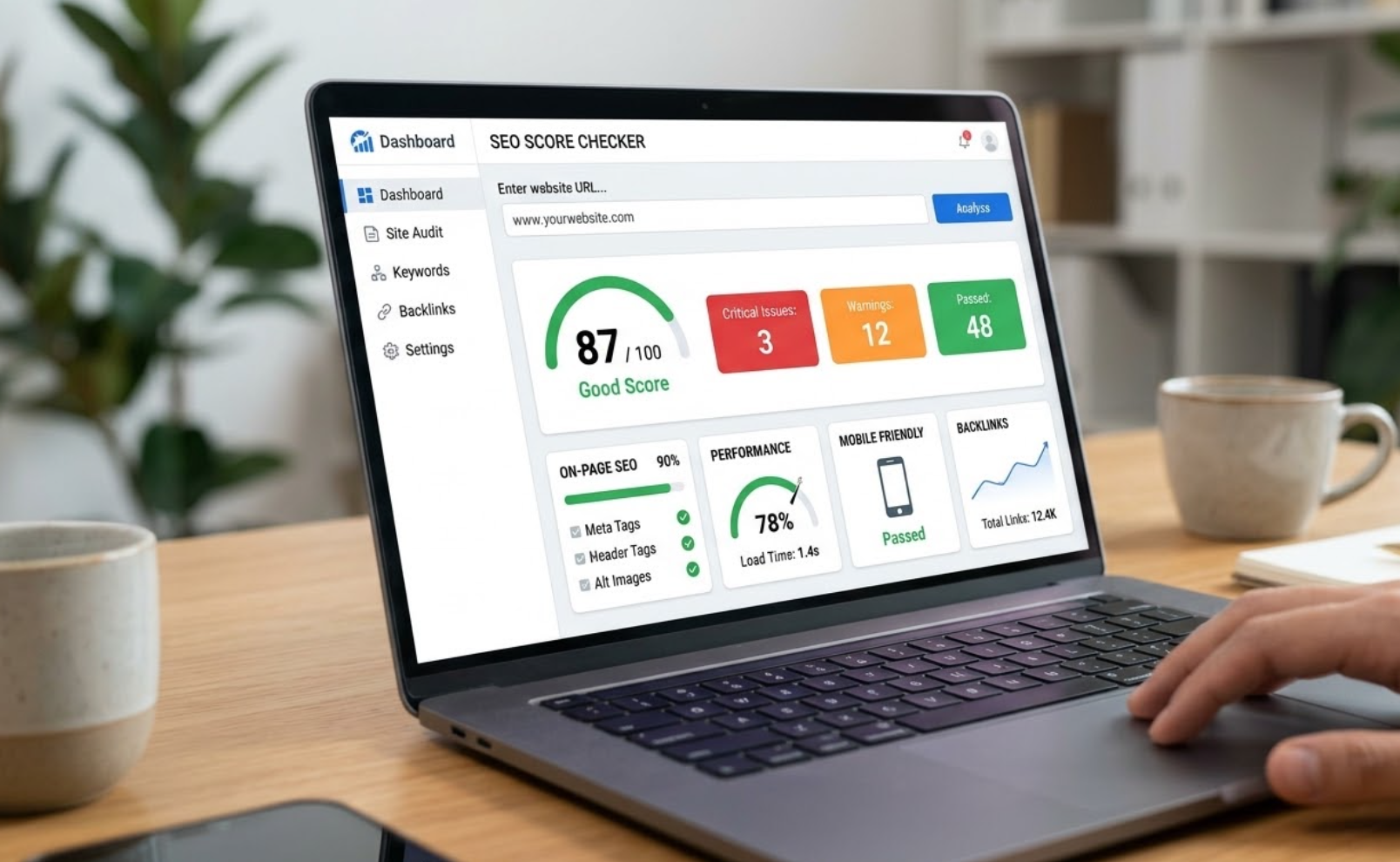
An SEO score checker is an online tool that scans a web page or an entire website and rates how well it follows search engine best practices. The score is usually shown out of 100, along with a list of issues and suggested fixes. It acts like a health report, showing what is working and what needs attention.
What Does the Tool Actually Analyse?
Different tools check different areas, but most reviews cover the following:
- Title tags and meta descriptions
- Heading structure, from H1 to H3
- Keyword usage and content quality
- Page loading speed on mobile and desktop
- Mobile-friendliness and layout stability
- Broken links and redirect errors
- Image alt text and file sizes
- Secure connection (HTTPS) and crawlability
- Internal linking and URL structure
How to Use an SEO Score Checker Step by Step
A simple routine makes the report far more useful:
- Enter the page address. Start with the homepage, then test key service or product pages.
- Run the scan. Wait for the tool to complete its analysis.
- Read the summary first. Note the overall score and the main categories where points were lost.
- Sort issues by priority. Fix critical errors such as broken pages and missing titles before minor suggestions.
- Apply the changes. Update content, tags, images or technical settings as advised.
- Re-test after fixes. Compare the new score with the old one to confirm progress.
How to Read the Score Correctly
A high score shows good technical and on-page health, but it does not promise high rankings. Search engines also weigh content relevance, backlinks, user experience and competition. A score of 70 on a page with excellent content may perform better than a score of 90 on a page that answers nothing useful. The score is best treated as a guide, not a final verdict.
Common Issues Found in Reports
Certain problems appear again and again. Duplicate or missing title tags, overly long meta descriptions, large uncompressed images, slow server response and pages without a clear H1 are among the most frequent. Thin content, broken internal links and poor mobile layout also reduce scores. Most of these are simple to correct once identified.
Tips to Get More Value from the Tool
Regular use matters more than a single scan. Checking key pages once a month helps catch new errors after website updates. It also helps to test pages on both mobile and desktop, since results can differ. Keeping a simple record of scores over time makes improvement easy to track, and sharing the report with developers and writers helps everyone work from the same list.
Limits to Keep in Mind
Automated tools cannot judge everything. They cannot fully measure how helpful, original or trustworthy content feels to a reader. Some suggestions may also not suit every page, for example, a keyword recommendation that would make a sentence unnatural. Human review should always accompany the report.
Conclusion: Turn Scores into Steady Progress
An SEO score checker gives website owners a fast, practical view of their site’s search health and a clear list of next steps. When used regularly, read with care and combined with quality content, it helps build a stronger, faster and more search-friendly website. Treat the score as a starting point, fix the highest-impact issues first and keep improving over time.